
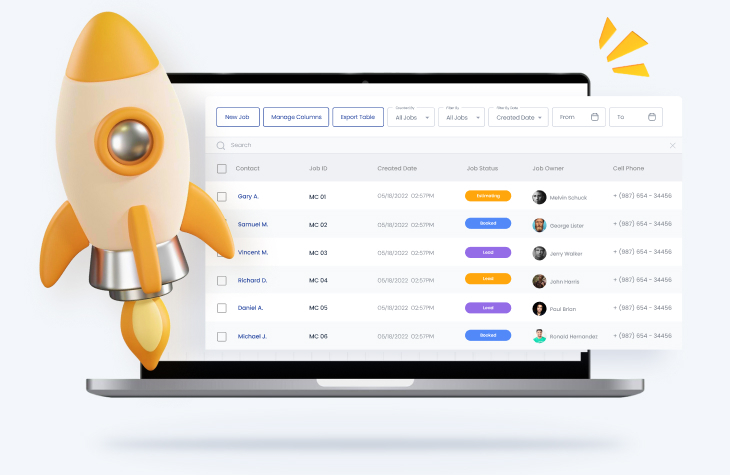
The CRM integrations most moving companies need are email and calendar sync, accounting, payment processing, lead-source capture, and property data — the connections that keep a booked job, its invoice, and its follow-ups on one record. This guide covers each integration, what it connects, and how MoversTech handles it, including a connected email and SMS inbox, QuickBooks accounting, card and ACH payments, and Zillow property lookup.
A moving company CRM is only as useful as the tools it connects to. On their own, a lead form, an accounting app, a payment processor, and an email inbox each solve one problem and create another: data that has to be copied by hand from one place to the next. The right CRM integrations remove that step, so the quote, the job, the invoice, and the follow-up all reference the same record. The table below shows the integrations that matter most for movers and how MoversTech supports each one.
Integration
What it connects
Why it matters for movers
MoversTech support
Email & calendar
- Gmail / Outlook, team calendars
Lead sources
- Google LSA / Ads, directories, landing-page forms, aggregators
Accounting
- QuickBooks
Payments
- Card and ACH
Property data
- Zillow
SMS / messaging
- Two-way text
Custom / API
- Any external or in-house tool
| Integration | What it connects | Why it matters for movers | MoversTech support |
|---|---|---|---|
| Email & calendar |
|
||
| Lead sources |
|
||
| Accounting |
|
||
| Payments |
|
||
| Property data |
|
||
| SMS / messaging |
|
||
| Custom / API |
|
Lead sources and landing pages
Most moving companies pay for leads from several places at once: Google Local Services Ads, directory listings, aggregators, and their own website forms. When each source drops leads into a different inbox, response time slips and some inquiries are never worked at all. Connecting your lead sources to the CRM means every inquiry lands in one place and is assigned to a rep automatically, so no lead waits on someone noticing an email. MoversTech can capture leads from landing-page and website forms and, through its open API, from the custom or niche sources you already use.
Email and calendar
Email and calendar integration keeps customer communication and crew scheduling on the same record as the job. Quotes, replies, and reminders stay visible to the whole team instead of sitting in one person’s inbox, and appointments line up with the crew’s availability. MoversTech runs a connected email and SMS inbox inside the CRM, covered in more detail further down.
Accounting and payments
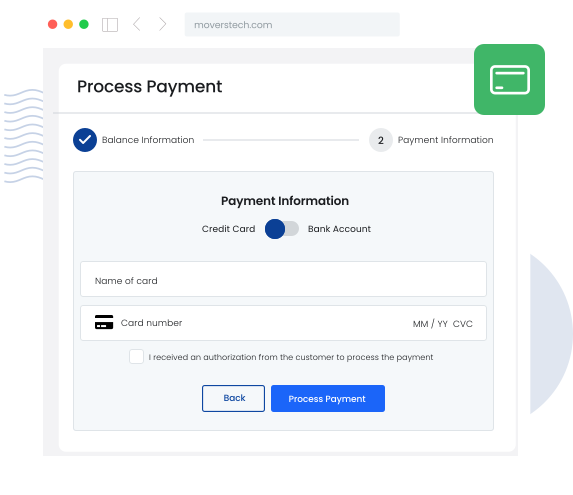
Accounting and payment integrations close the gap between a completed job and the money for it. With QuickBooks connected, invoices and payments reconcile without re-entering numbers in two systems. With card and ACH payments on the invoice, customers pay from the document they already received and the payment is tracked back to the job. MoversTech includes a native QuickBooks integration and accepts card and ACH payments on the payment link, so billing stays accurate from the estimate through the final invoice.
Property data
Property data integration gives the crew the information they need before they arrive. A Zillow lookup pulls home size, layout, and access details into the job, so estimates are more accurate and crews are not surprised by a third-floor walk-up on move day. MoversTech includes Zillow property lookup inside the CRM.
Custom connections and the API
No two moving companies run exactly the same stack. When a tool you depend on is not on the standard integration list, an open API lets you connect it and map data to the fields your team actually uses. MoversTech provides an open API for custom fields and lead capture, so the CRM fits around your operation rather than forcing you to abandon a system that already works.
How does email and calendar integration help movers?
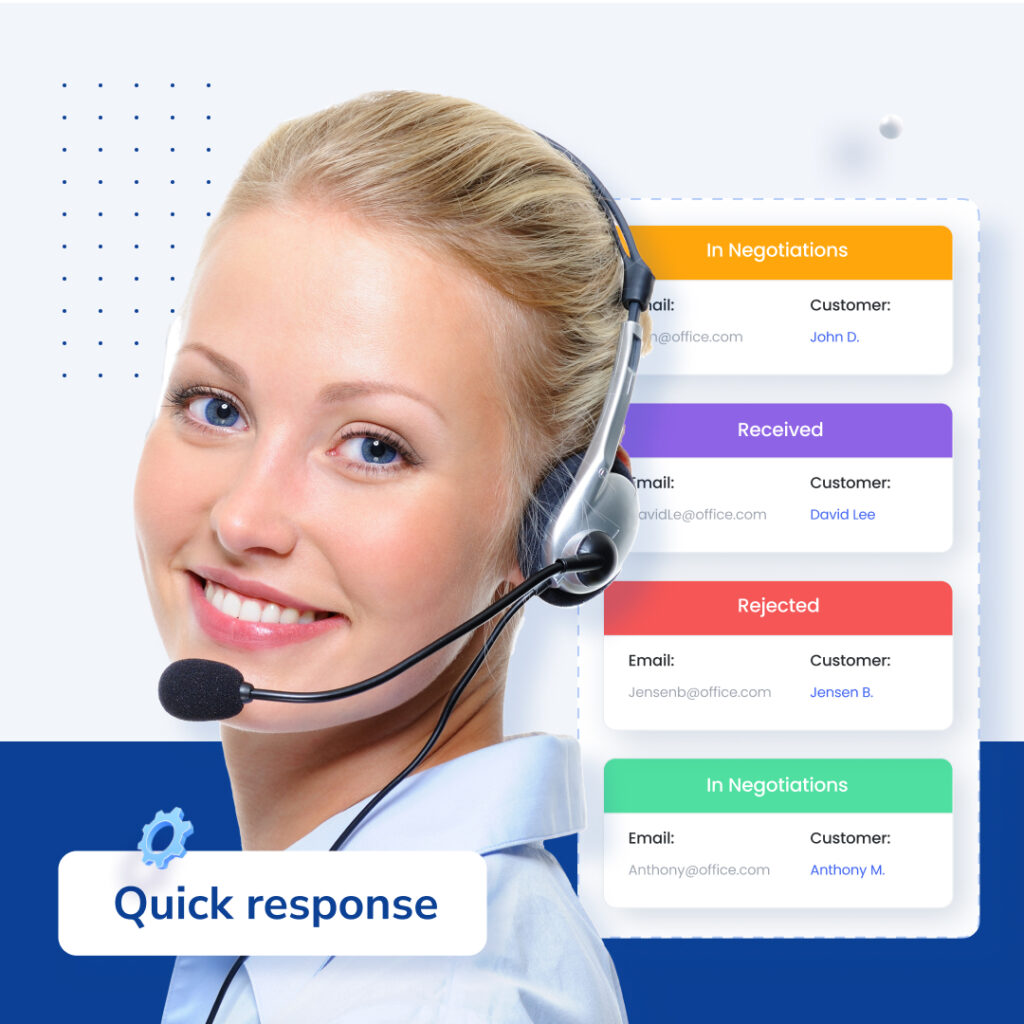
Email is where most moving companies lose track of a lead. An estimate goes out from a personal inbox, the reply lands somewhere no one else can see, and the follow-up never happens. Connecting email to the moving CRM keeps every quote and reply on the customer’s record, so any rep can pick up the thread and nothing depends on one person remembering. MoversTech runs a connected email and SMS inbox inside the CRM, with templates for quotes and follow-ups, so communication stays on the job instead of in a personal inbox. Calendar integration keeps crew schedules and customer appointments in one view, which means dispatch and sales work from the same dates and double-booking is easier to avoid.
Connect your moving business from lead to invoice
The value of CRM integrations for moving companies is not any single connection; it is the full picture they create. When lead capture, email, accounting, payments, and property data all feed one system, a job moves from first inquiry to final invoice without anyone retyping it along the way. MoversTech is an end-to-end moving CRM built to connect those pieces and keep your operation on one source of information. To see how these integrations would work for your company, schedule a private demo.
Frequently Asked Questions
What CRM integrations does a moving company actually need?

At minimum: email and calendar sync, accounting (QuickBooks), payment processing (card and ACH), lead-source capture from your ad and directory sources, and property data. These connect the parts of a job that otherwise live in separate tools — the quote, the invoice, the payment, and the follow-up — so they share one record in the moving CRM.
Does MoversTech offer email integration for movers?
Yes. MoversTech includes a connected email and SMS inbox inside the CRM, with templates for quotes and follow-ups, so replies and reminders stay on each customer's record instead of in a personal inbox.
How does payment processor integration help movers?
A payment integration lets customers pay directly from their invoice by card or ACH and records the payment against the job automatically. That removes manual reconciliation, shortens the time between finishing a job and getting paid, and keeps billing accurate.
What is the benefit of property data integration for movers?
Property data integration pulls home details — size, layout, and access — into the job before the crew arrives. For movers, that means more accurate estimates and fewer surprises on move day, such as stairs or long carries that were not accounted for in the quote.
